Quickstart
The code blocks on this page run in order in one namespace. Install isotile with pip install "isotile[shapely]";
only TileSet.polygons() needs shapely.
Create a tiling
A tiling is one of 81 types, numbered as in tactile (IH1 to IH93, with gaps). tiling_types() lists the numbers.
from isotile import IsohedralTiling, check_prototile, find_types, get_type, tiling_types

print(len(tiling_types()))  # 81

tiling = IsohedralTiling(7)  # type IH7 at its default parameters
print(tiling.type.n_params, tiling.type.n_aspects, tiling.parameters)  # 2 3 [0.6        0.19641677]
print(tiling.describe())
describe() lists the parameters, the edges and their shapes. Parameters are given as an array of n_params values;
a type without parameters takes none.
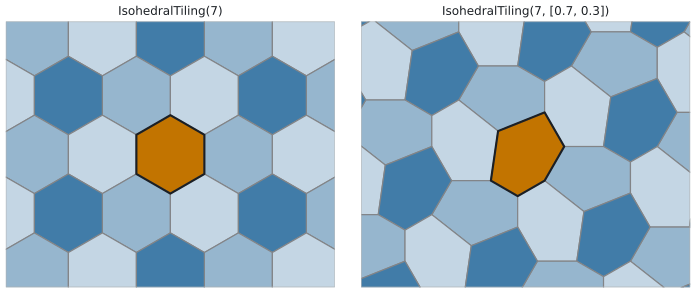
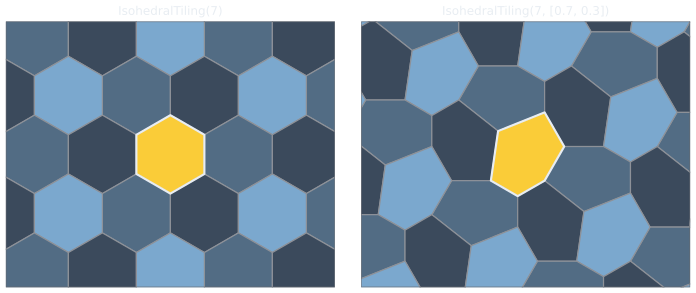
tiling and custom. The black outline is the prototile, tiling.prototile(); the tints are the coloring of the type.Squares, hexagons, triangles and quadrilaterals have named constructors. The triangle and the quadrilateral take the polygon to tile; the prototile equals that polygon.
square = IsohedralTiling.square()  # type 76
hexagon = IsohedralTiling.hexagon(pointy_top=False)  # type 20, flat-top
triangle = IsohedralTiling.triangle([(0, 0), (3, 0), (1, 2)])  # type 84
quadrilateral = IsohedralTiling.quadrilateral([(0, 0), (4, 0), (3, 2), (0, 1)])  # type 46

print(square.type.number, hexagon.type.number)  # 76 20
print(triangle.prototile())  # (3, 2) outline, counterclockwise
repr(tiling) is the constructor call as Python code (IsohedralTiling(76, parameters=[], ...)): evaluating it gives an
equal tiling.
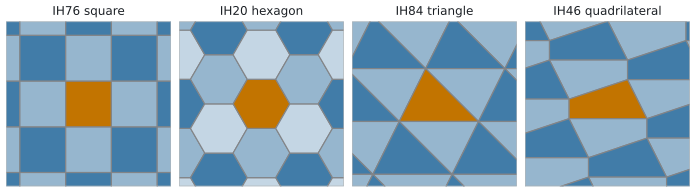
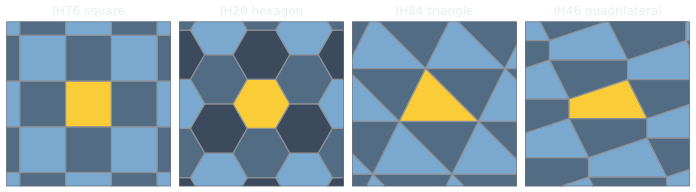
square, hexagon, triangle and quadrilateral, with their type numbers.Generate tiles
fill_region returns the tiles that cover a rectangle (x0, y0, x1, y1). Give a target tile count with n_tiles or
the tile size with tile_size (the square root of the area of one tile).
tiles = tiling.fill_region((0, 0, 10, 6), n_tiles=200)
print(len(tiles))  # 228: tiles along the boundary that reach into the region come on top
print(tiles.cell.shape, tiles.aspect.shape, tiles.transforms.shape)  # (228, 2) (228,) (228, 2, 3)

by_size = tiling.fill_region((0, 0, 10, 6), tile_size=1.0)
print(len(by_size))  # 84

wider = tiling.fill_region((0, 0, 10, 6), n_tiles=200, margin=0.1)  # region grown by 10% on every side
print(len(wider))  # 228: n_tiles counts for the grown region, so the tiles get larger
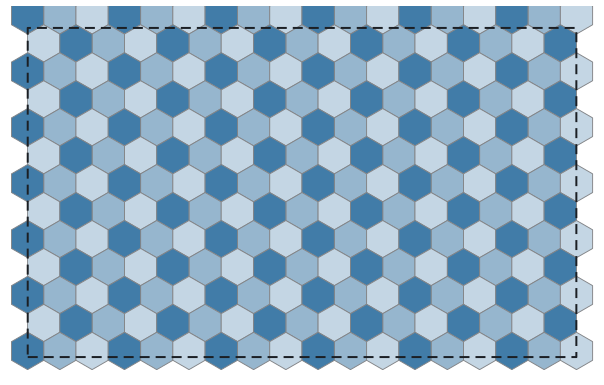
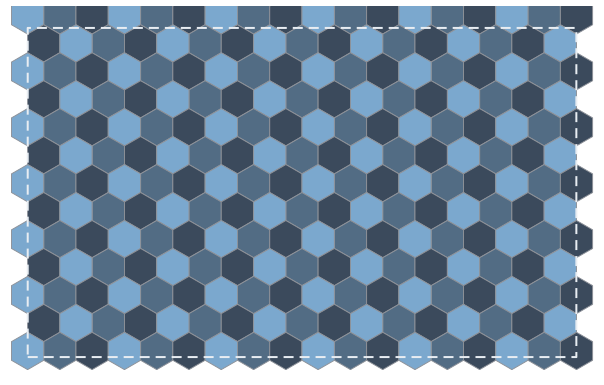
tiles: the 228 tiles of fill_region((0, 0, 10, 6), n_tiles=200). The dashed rectangle is the region.The tile size and position are set by the call; the returned tiles.tiling is the tiling with that frame.
Tile polygons and vertices
vertices = tiles.vertices()  # (n, n_vertices, 2) tile outlines with straight edges
print(vertices.shape)  # (228, 6, 2)
print(tiles.centroids.shape)  # (228, 2)
print(tiles.colors()[:6])  # [1 2 1 2 0 1]: color index of the type's coloring

polygons = tiles.polygons()  # shapely polygons (needs shapely)
print(len(polygons), round(polygons[0].area, 3))  # 228 0.3
tiles.to_geojson() returns the tiles as a GeoJSON FeatureCollection dict without shapely; each feature has the
cell, aspect and color of the tile as properties, and properties={"name": values} adds one value per tile.
import json

collection = tiles.to_geojson({"index": range(len(tiles))})
print(collection["features"][0]["properties"])  # {'cell': [...], 'aspect': 0, 'color': 1, 'index': 0}
text = json.dumps(collection)
tiles.save_geojson(path) writes the same dict to a UTF-8 JSON file and takes the same arguments after path.
tiles.select(mask) returns the subset of tiles for a boolean mask or an index array.
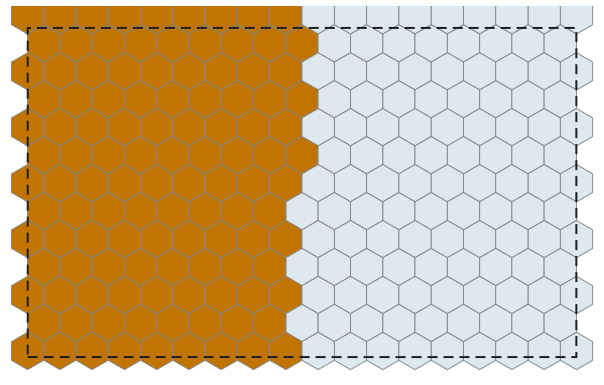
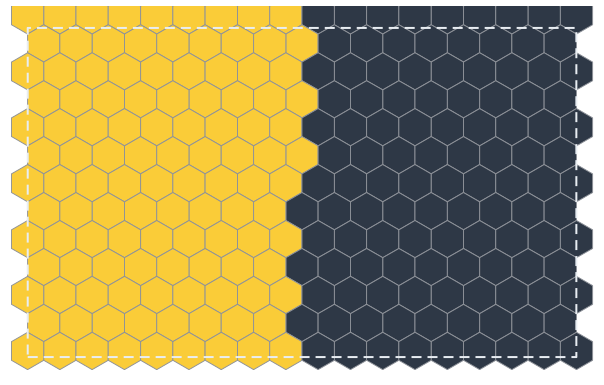
inside, in amber: the tiles of tiles with a centroid left of x = 5.Adjacency
adjacency(kind) returns a scipy sparse boolean matrix of shape (n, n); entry (i, j) is true when tile j is a
neighbor of tile i. The kinds are "edge" (share an edge), "vertex" (share an edge or a vertex) and "vertex-only"
(share exactly a vertex).
edge = tiles.adjacency("edge")
print(edge.shape, edge.dtype, edge.nnz)  # (228, 228) bool 1246
print(tiles.neighbors(0, "edge"))  # indices of the edge neighbors of tile 0, sorted

grid = square.fill_region((0, 0, 3, 3), n_tiles=9)  # a 4 x 4 grid of squares
for kind in ("edge", "vertex", "vertex-only"):
    counts = [len(grid.neighbors(i, kind)) for i in range(len(grid))]
    print(kind, max(counts))  # edge 4, vertex 8, vertex-only 4
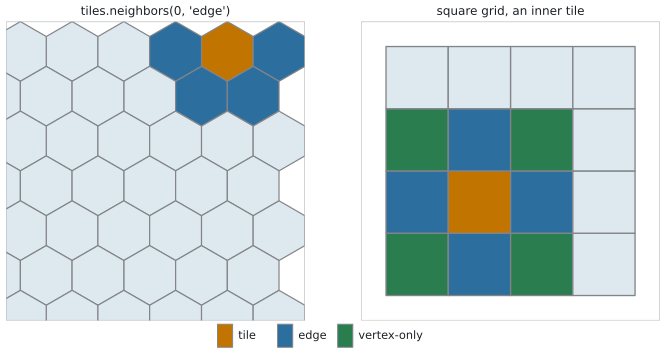
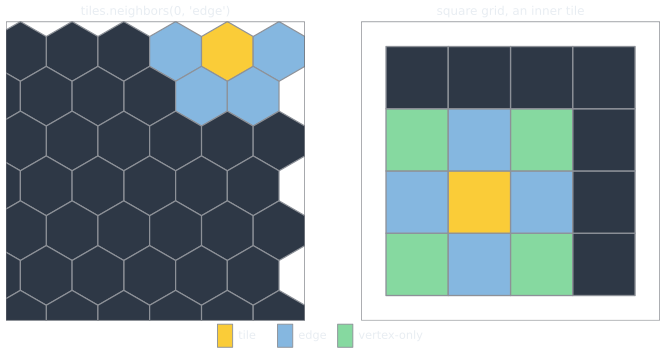
tiles and tiles.neighbors(0, "edge"). Right: an inner tile of grid with its edge and vertex-only neighbors.Adjacency describes how the tables work and how to compute the adjacency of any set of polygons.
Check a parameter set
A parameter set that makes the prototile cross itself is rejected. check_prototile reports the edges at fault
without constructing a tiling, which is cheap enough to call for every intermediate state of an interactive editor.
report = check_prototile(7, [0.25, -1.0])
print(report.valid, report.bad_edges)  # False (0, 2, 5)
print(report.message)  # edges cross or touch: [(0, 2), (2, 5)]

try:
    IsohedralTiling(7, [0.25, -1.0])
except ValueError as error:
    print(error)
The error is an InvalidPrototileError, a subclass of ValueError; its report attribute is the PrototileReport, so
error.report.bad_edges names the edges at fault without a separate call to check_prototile.
Setting tiling.parameters follows the same rule and keeps the previous parameters when the new ones are invalid.
tiling.with_parameters(values) returns a new tiling with the other parameters, with the same checks, and leaves
tiling unchanged.
tiling.parameters = [0.7, 0.3]
try:
    tiling.parameters = [0.25, -1.0]
except ValueError:
    pass
print(tiling.parameters)  # [0.7 0.3]
Parameter ranges
TilingType.safe_ranges has one row [low, high] per parameter: the interval around the default in which the prototile
stays valid while the other parameters keep their defaults. An infinite end means no limit.
Parameter 0 of IH7 has no limit and parameter 1 must stay above about -0.0997. The ranges are per parameter, not a
region: a combination of values that are each inside their interval can still be invalid, and check_prototile is the
test for a combination.
Find types
find_types returns the numbers of the types that satisfy every given filter.
print(find_types(num_vertices=3, all_edges="S"))  # [84, 90]
print(find_types(num_parameters=0, num_vertices=6))  # [10, 11, 18, 20]
print(find_types(max_parameters=1, has_reflections=True))
The filters are num_vertices, num_parameters, max_parameters, num_aspects, has_reflections, edge_types,
all_edges and has_customizable_edges.
Frames and rotation
The frame is an affine map from the native coordinates of the type to world coordinates. rotated and scaled return
copies about the world origin; with_frame replaces the frame, and the constructor takes it as frame=.
rotated = IsohedralTiling.hexagon().rotated(15)
print(rotated.frame.round(3))

placed = IsohedralTiling(7, frame=[[2, 0, 5], [0, 2, 1]])  # scale by 2, move by (5, 1)
print(placed.vertices[:2].round(2))  # [[5. 1.] [6. 0.42]]
fill_region keeps the orientation of the frame (its linear part up to scale) and replaces the scale and the
position. To fill a region with rotated tiles, rotate the tiling first.
rotated_tiles = IsohedralTiling.square().rotated(30).fill_region((0, 0, 10, 6), n_tiles=60)
print(len(rotated_tiles))  # 84
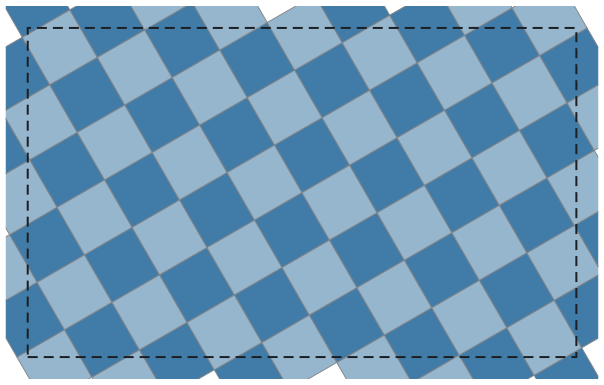
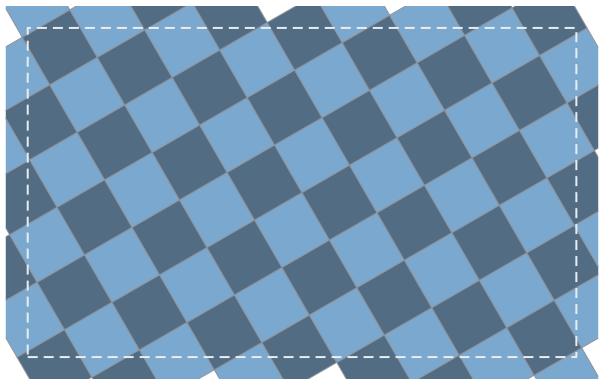
rotated_tiles: the square tiling rotated by 30 degrees, filled into the region (0, 0, 10, 6).